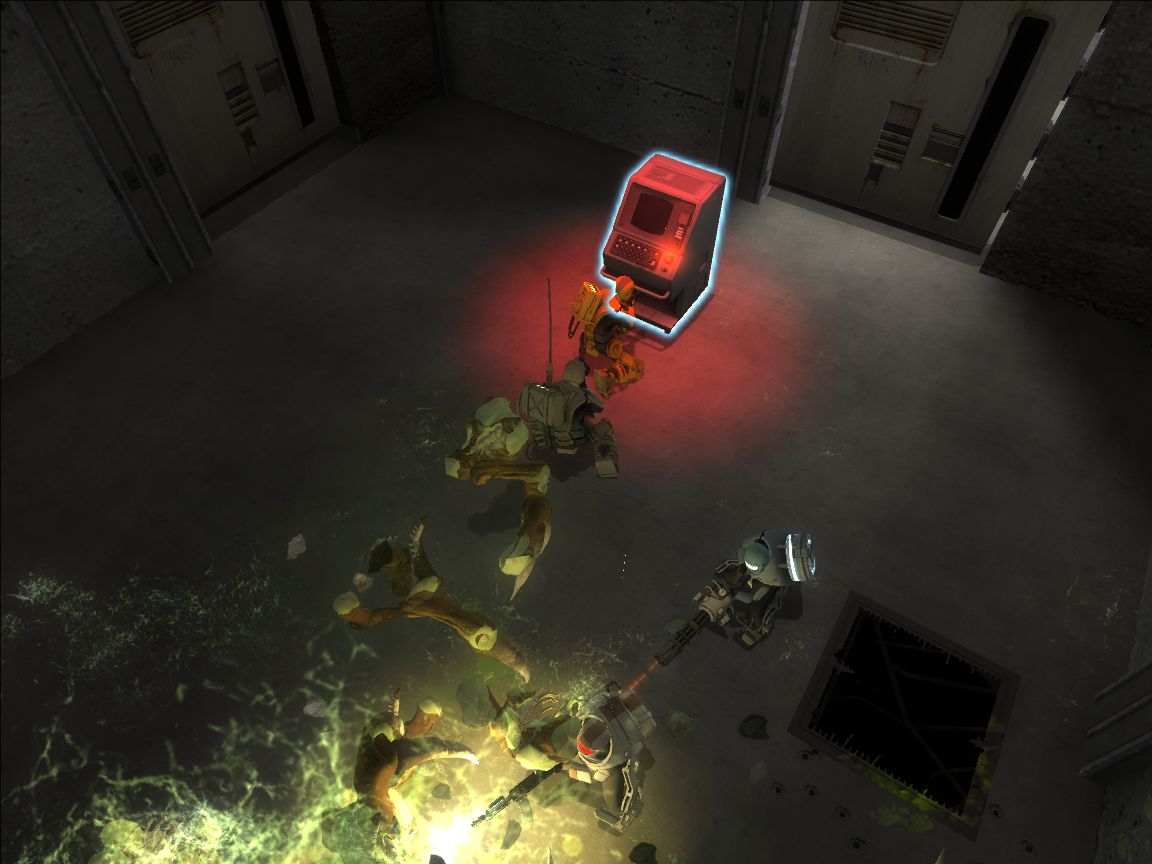
Concrete is a TileGen set that can be used to create endless amounts of playable maps.
Installation
1. Download and extract the current version of the Concrete TileGen Set VPK from the link below.
2. Double click concrete.vpk.
3. If you have any addons installed on Alien Swarm that are not packaged in a VPK, you need to disable them before using TileGen.
4. In Options -> Keyboard/Mouse, enable the developer console.
Usage
1. With Alien Swarm on the main screen, press the tilde key (~) and then type:
sv_cheats 1
asw_tilegen
2. Change the theme to Concrete.
3. If you want to design your own level, stop here.
4. On the missions tab, select the mission named “concrete” and click Generate Layout.
5. Scroll down and to the right until you see your level. If it isn’t what you want, push the Generate Layout button until it is. If you don’t see red and green shapes, something went wrong with the generation process and you should try generating the level again.
Credits: Nightgunner5
http://llamaslayers.net/concrete-tilegen-set